
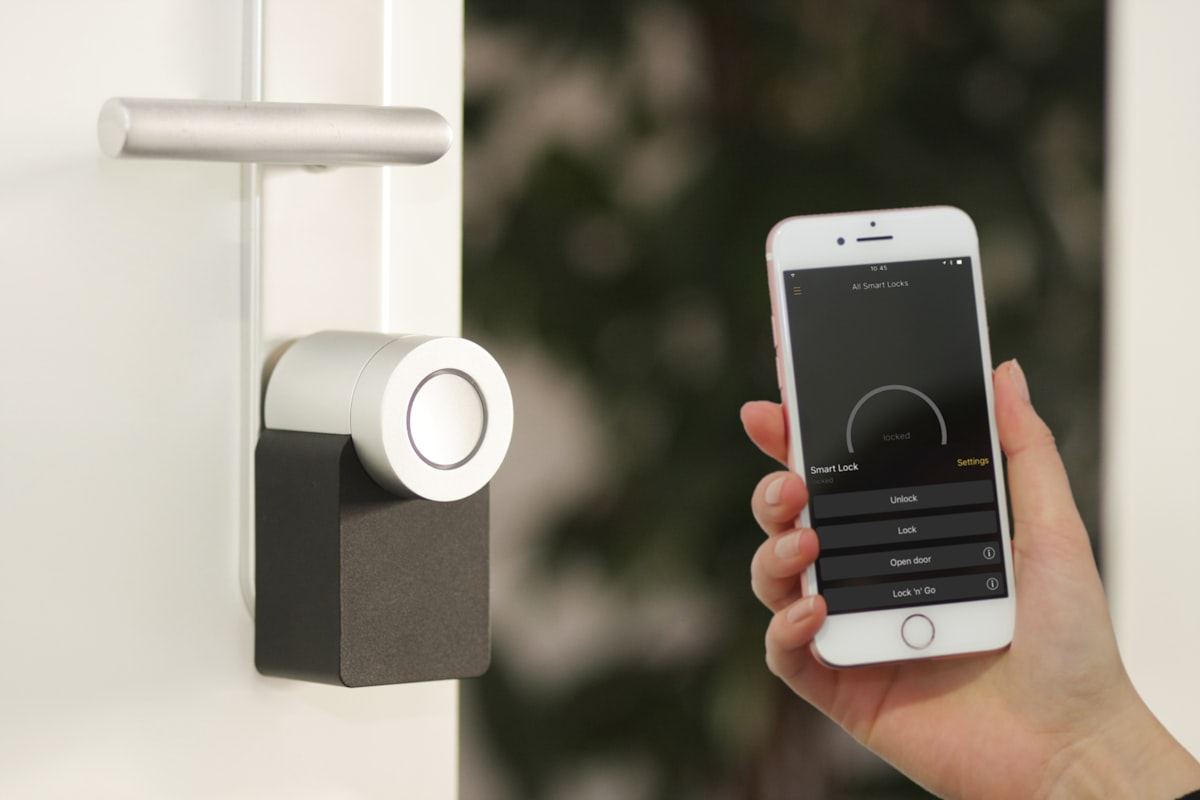
Keep Ownership of Every Main Account
Create primary router, camera, doorbell and smart-home accounts using an email and phone number you control.
- Do not let the installer become the permanent owner of your account.
- Keep recovery email and phone details under your control.
- Ask whether any installer or shared administrator account remains after setup.
- Change temporary credentials once the work is complete.
Ask for a plain-language explanation and keep important handover or service details in writing.
Record the Existing Network First
Before configuration changes begin, note what is already connected and what currently works.
- Record the router and mesh model numbers.
- List important wired devices, cameras and smart-home hubs.
- Note current WiFi names so devices can be reconnected deliberately.
- Back up router configuration when the equipment supports it.
Ask for a plain-language explanation and keep important handover or service details in writing.
Ask What Settings Will Be Changed
You do not need to understand every technical term, but you should know the purpose of major changes.
- Ask whether WiFi names or passwords will change.
- Ask whether remote administration is being enabled.
- Ask how smart devices and personal computers are being separated when supported.
- Ask whether automatic port-opening features are necessary for the installation.
Ask for a plain-language explanation and keep important handover or service details in writing.
Camera & Doorbell Privacy
Connected cameras may provide remote access to private areas of your home. Verify who can view them and which accounts have permission.
- Open the camera app on your own phone before the technician leaves.
- Review shared users and remove access that is no longer needed.
- Confirm recordings are stored where you expect them to be stored.
- Check that device reset and account recovery options belong to you.
Ask for a plain-language explanation and keep important handover or service details in writing.
Mesh WiFi Placement
A good installation is not only about adding more nodes. Placement should be based on usable coverage in the rooms where you actually need it.
- Test signal and connectivity in bedrooms, work areas and difficult corners.
- Avoid hiding mesh nodes inside closed cabinets unless the system is designed for it.
- Where wired connections are available, ask whether they can improve node connectivity.
- Make sure moving one node later will not break an undocumented setup.
Ask for a plain-language explanation and keep important handover or service details in writing.
Before the Technician Leaves
Verify that you can administer the system without needing the installer’s device or account.
- Log into the router or management app yourself.
- Confirm your phone can access cameras and smart devices as intended.
- Restart the router or one smart device and confirm it reconnects.
- Make sure you know where to change WiFi and administrator passwords.
Ask for a plain-language explanation and keep important handover or service details in writing.
Keep a Network Handover Note
A short handover record can save considerable confusion later.
- Write down device names and locations.
- Keep the primary account email and recovery method securely.
- Record any custom network names or guest networks created.
- Keep notes about special settings that should not be reset accidentally.
Ask for a plain-language explanation and keep important handover or service details in writing.